notebook icon
Literacy
ruler icon
Math
Paint icon
Arts integration
calendar icon
Seasonal
lightbulb icon
Tips & Strategies
Computer icon
Technology
Plant icon
Classroom
coffee mug icon
Teacher Shop

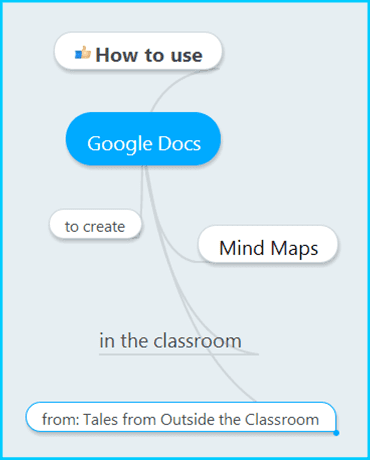
Using Google Docs to Create Interactive Mind Maps

Today, I’m going to share the second video in the series.  It’s how you can use Google Docs to create Mind Maps with your students.  Check out the video below in the post for a step by step tutorial. In April, I shared how I use Google Docs in my classroom to give students a quiz or instead of a worksheet.  I also shared how I use the spreadsheet for data tracking.  If you missed
Read this post »

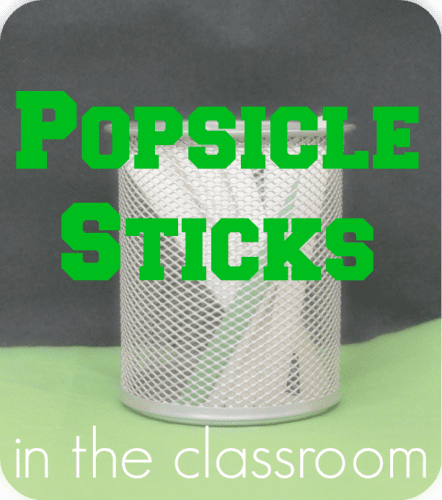
Popsicle Sticks in the Classroom

I’m posting over on Owl-Ways Be Inspired today.  I’m sharing how I use popsicle sticks in my classroom.  Just click the picture below to head there.  We’re starting a weekly linky on different ways everyday items can be used in the classroom, so keep checking back there for loads of great ideas.

Read this post »

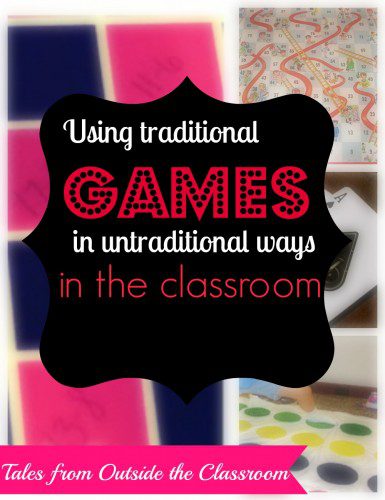
Using Traditional Games in Untraditional Ways

I am a big fan of repurposing things for the classroom, especially things I can find for free or very cheaply.  I keep an eye out for games at places like Salvation Army, rummage sales, and Dollar Tree and bring them into the classroom.  Of course there are many games that already pretty simple at tying into education (Battleship works on the coordinate grid, Chutes and Ladders can also easily be used to work on

Read this post »

Classroom Anchor Charts

As the end of the year is drawing near, I thought I’d do a post sharing some of the anchor charts we’ve created throughout the year.  Now, I’ll be perfectly honest and say my creative skills are lacking.  I make these with my students, and so my handwriting is often sloppy as I’m quickly writing, and there are a few authentic mistakes.  But that’s what makes them real and useful in our rooms. I also

Read this post »

Using Google Docs in the Classroom

Hi everyone!  I’m excited to be participating in Bright Ideas again today!  This time, I’m starting a new video series on using Google Docs in the classroom.  I’ve used it in a few different ways, and I thought I’d share some tips and tricks I’ve learned along the way.  I also thought it’d be a good way for me to learn some new things as well. Today’s video shares some basics on Google Docs.  I

Read this post »

LOOKING TO SUPPLEMENT?

▹ SEARCH ◃

Search

▹ NEWSLETTER ◃

.
Scroll to Top

Let's keep in touch! Sign up for my newsletter!

.